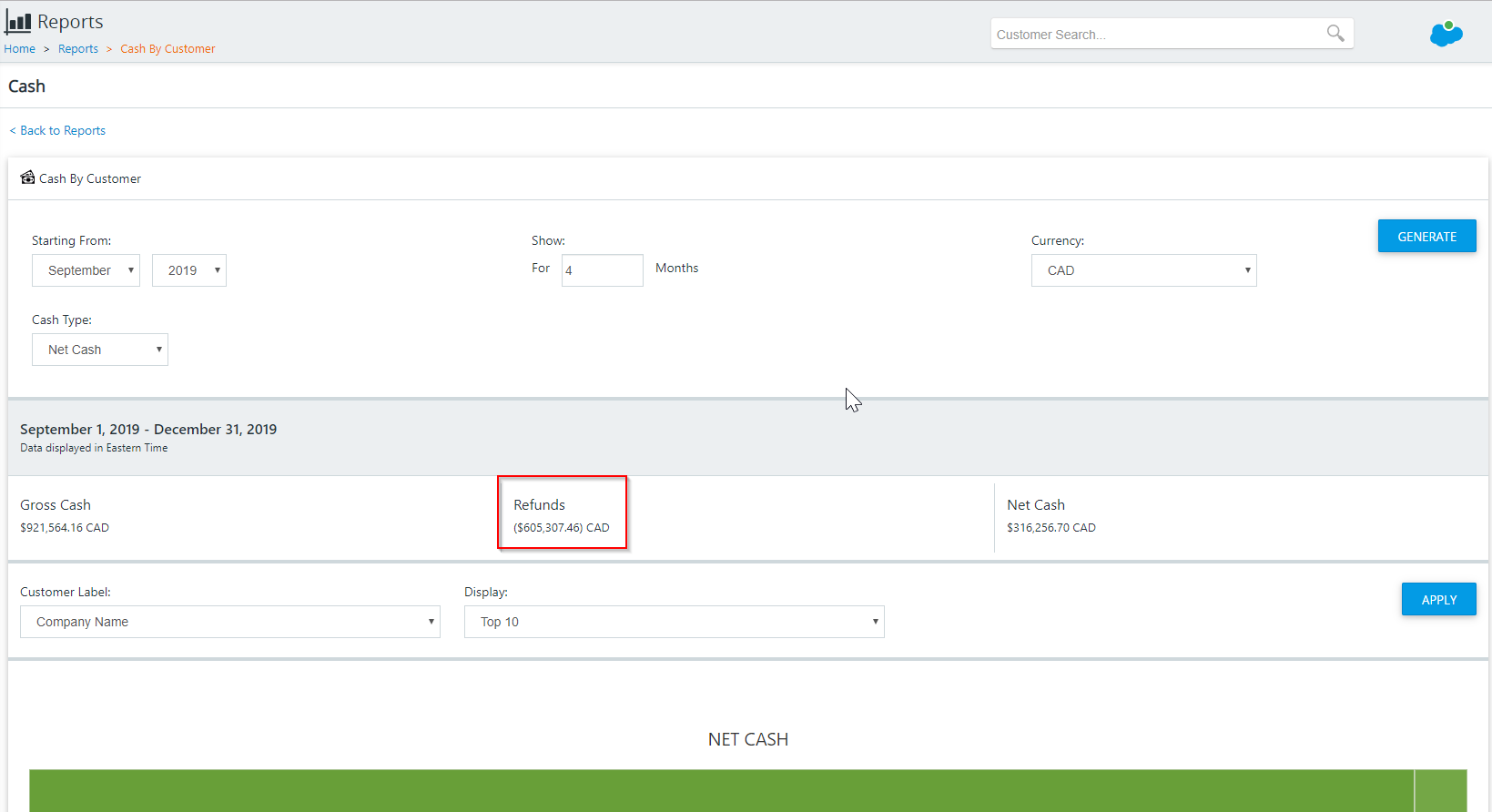
Refunds for a customer are part of the payment transactions for that customer.
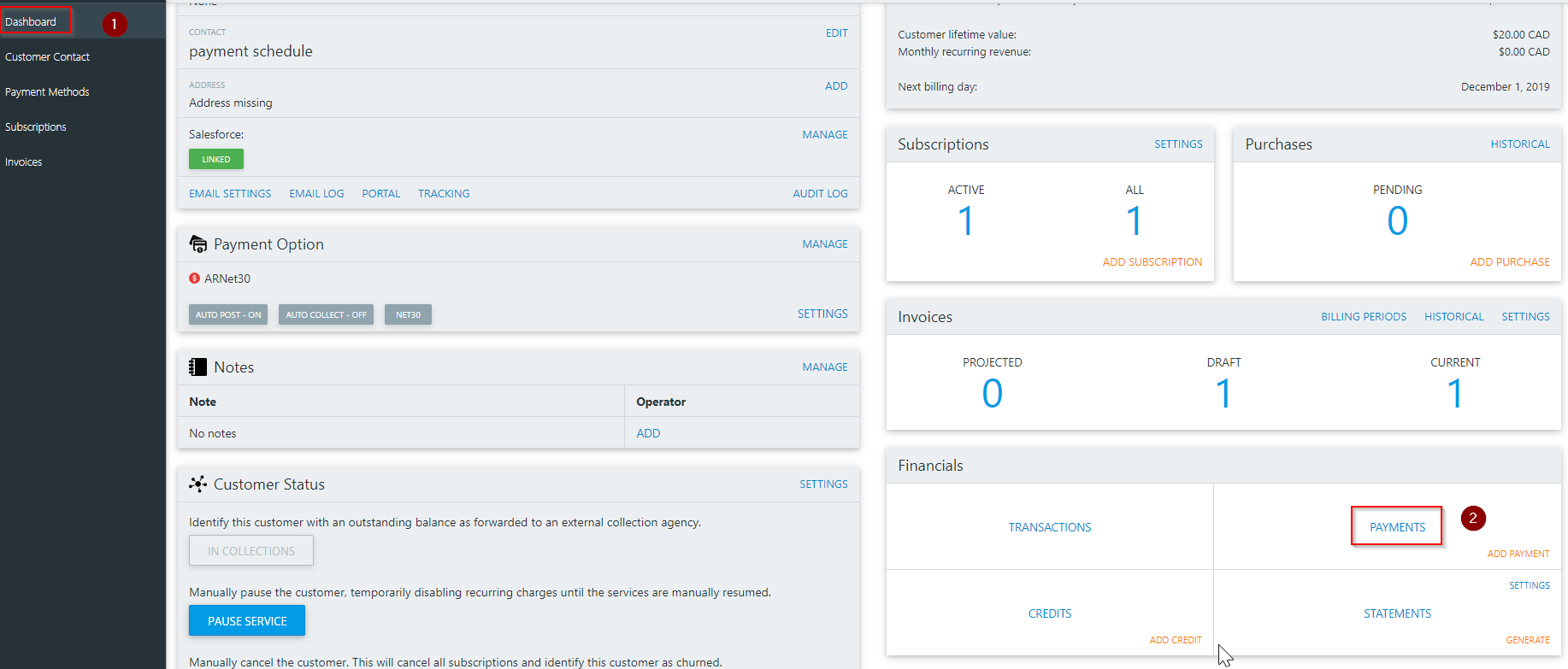
To view a refund that has taken place for a customer, go to the customer dashboard, scroll down to the financial block and click payments
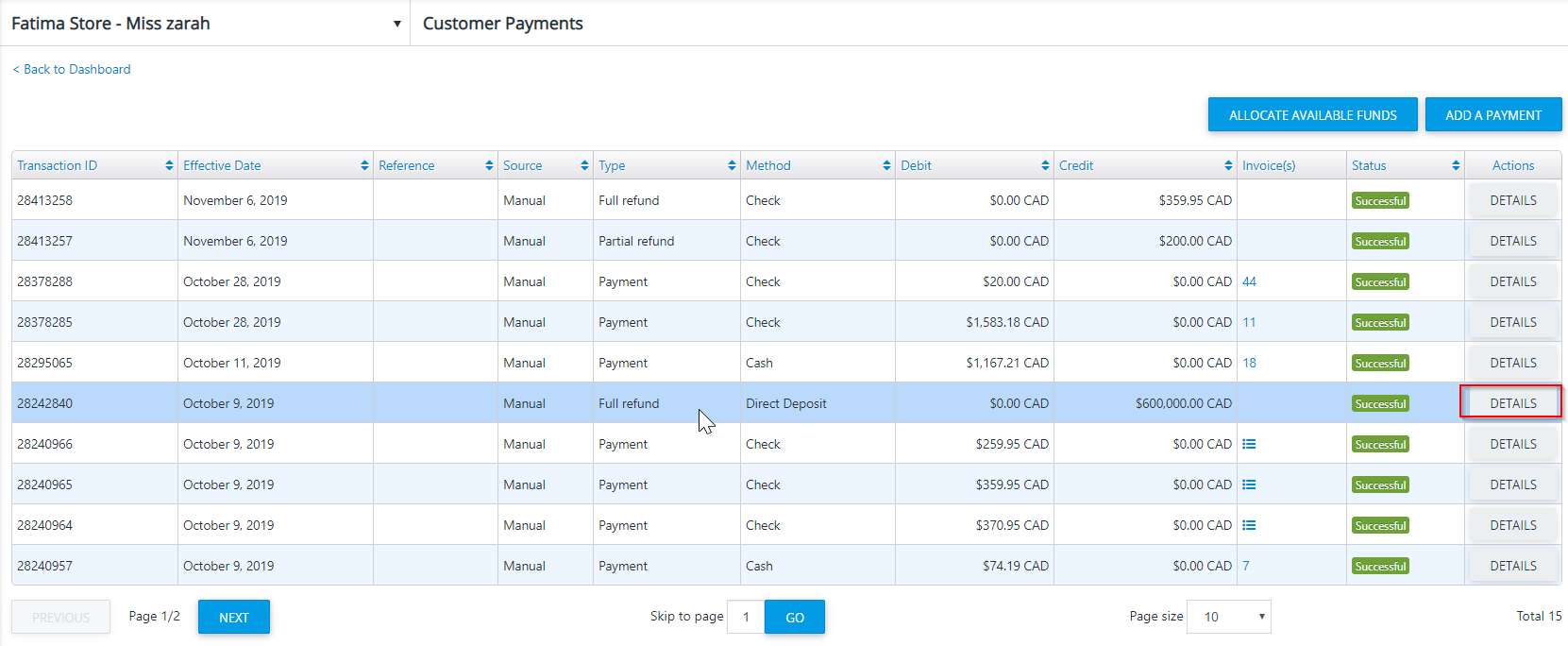
The payments page displays a list of payments and refunds that have taken place of the customer. To view the details of a refund or payment, click on the details button
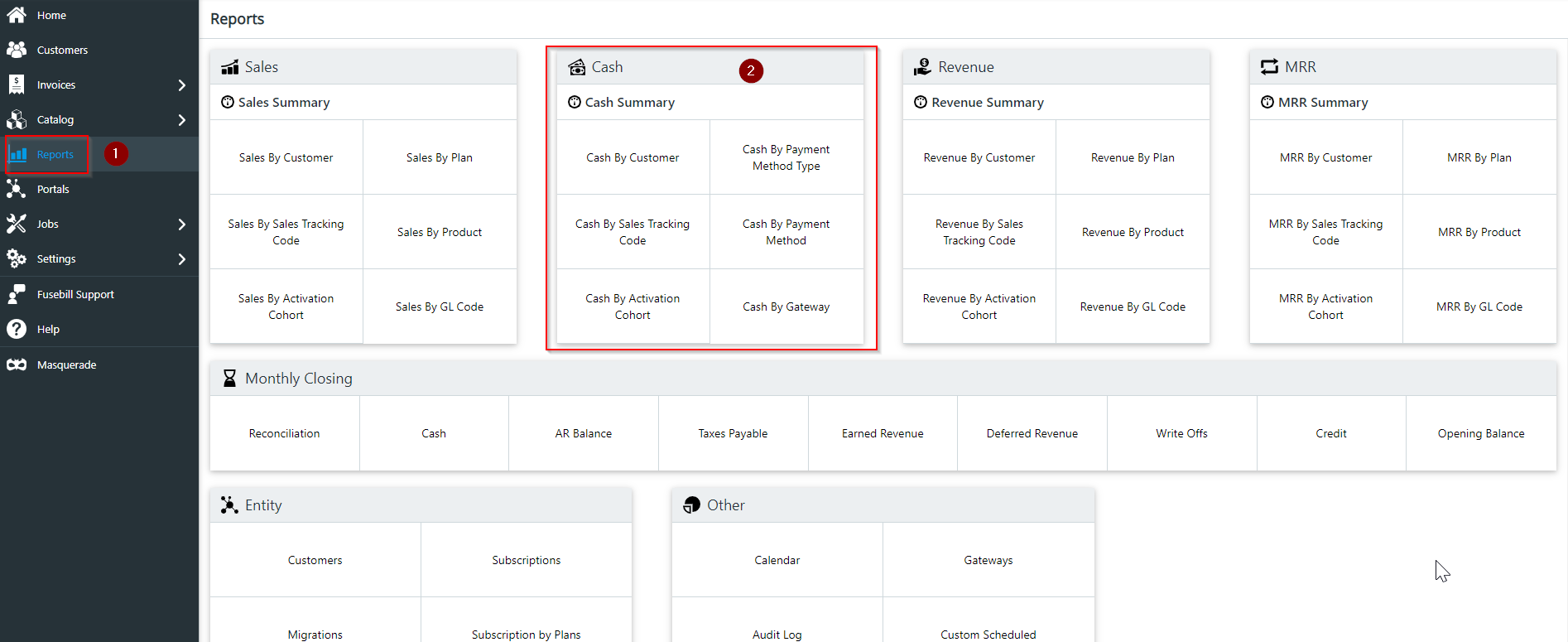
Refund information for all customers can also be found in any report in the "Cash" block section.
Go to reports and the "Cash" block is the second block in the first row
Click on any report, fill out the information for the fields and click generate
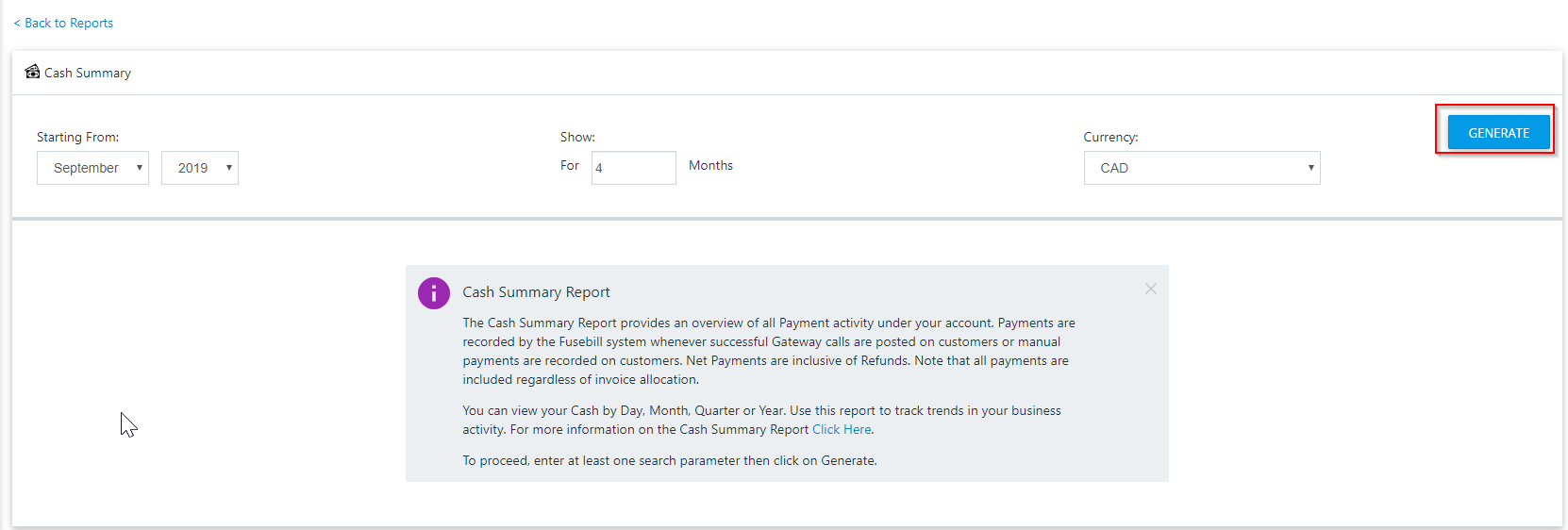
The refunds for all customers for that time period will display